The Google local map pack sits above every organic result. It drives more clicks, calls, and customers than any other search feature — and most Brighton businesses are either not in it, or not optimised to stay there. This guide changes that.
What is the Google Local Map Pack?
When someone in Brighton types “electrician near me” or “best cafe Brighton” into Google, they don’t see a list of blue links first. They see a map — and beneath it, three business listings. That’s the Google local map pack, also called the 3-pack or local pack.
It sits above every organic result. It dominates the screen on mobile. And it drives the majority of clicks for local commercial searches — which means appearing in it is worth more to most Brighton businesses than ranking #1 organically.
The map pack is driven by your Google Business Profile (GBP) — formerly called Google My Business. Unlike your website, which takes months to rank organically, a well-optimised GBP can put your Brighton business in front of local customers within weeks.
ℹ️ Google My Business is now called Google Business Profile. Google rebranded it in 2021, but many people still search for "Google My Business Brighton" — so we use both terms throughout this guide. The platform is the same: business.google.com.
The 4 Key Ranking Factors in 2026
Google uses three official factors to rank businesses in the local map pack: relevance, distance, and prominence. In 2026, a fourth factor — behavioural signals — has become significantly more important as Google’s AI analyses user interaction patterns.
According to the 2026 Local Search Ranking Factors survey by Whitespark — conducted with 47 leading local SEO experts — Google Business Profile signals account for up to 32% of all map pack ranking factors, making your GBP the single most important piece of the puzzle.
32%
GBP Signals (Relevance)
Category, description, services, completeness, posts, photos, Q&A. The most controllable factor.
16%
Reviews (Prominence)
Volume, recency, velocity, sentiment, keywords in review text, and owner responses.
19%
On-Page SEO (Website)
Your website's local signals validate and strengthen your GBP listing in Google's eyes.
~15%
Behavioural Signals
Click-through rate, calls made, directions requested, dwell time, and return searches.
⚠️ Distance (proximity) is largely outside your control. Google places you on the map based on your registered address. You cannot rank in central Brighton if your business is in Worthing. Focus your energy on the factors you can control — relevance, reviews, and prominence.
Step 1 — Set Up Your Google Business Profile
If you haven’t already claimed and verified your listing, this is your first priority — nothing else works without it. Verification is Google’s way of confirming you are who you say you are, and that your business actually operates from the address you’ve listed.
Step 1: Go to business.google.com
Step 2: Complete verification
8. Crazy Egg: Visual Optimization Tools
Best for: Marketers and developers focusing on conversion optimization
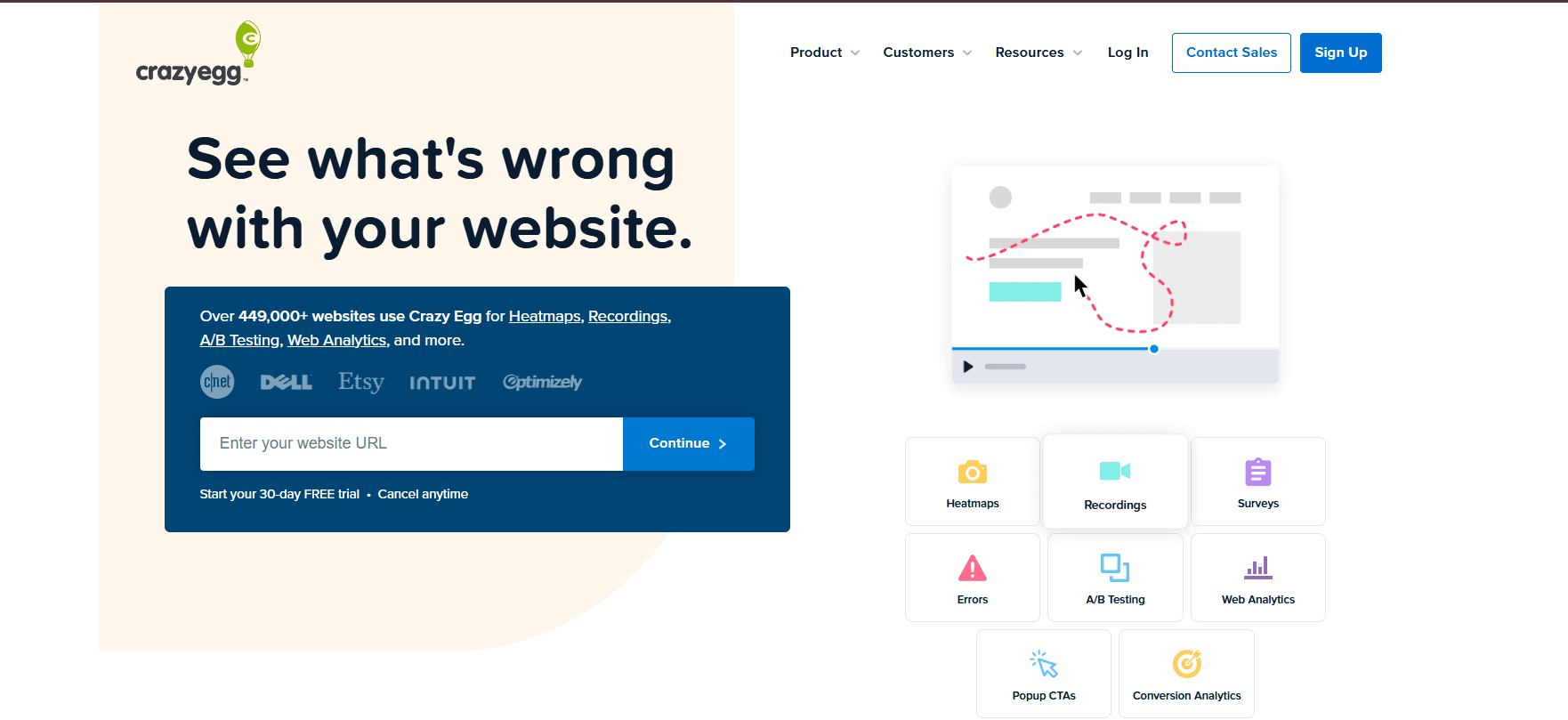
Crazy Egg provides intuitive visual tools that make user behavior data accessible to non-technical team members.
Visual Analytics Suite
Heatmaps show where users click, scroll, and spend time, revealing which content drives engagement and which elements are ignored.
A/B Testing Capabilities let you experiment with different page versions to identify what works best for your audience.
User Recordings allow you to watch visitor navigation patterns, identifying friction points and optimization opportunities.
Conversion Tracking measures the impact of changes on your key metrics, from form completions to checkout success.
Accessibility
Offers straightforward pricing plans suitable for small to medium-sized businesses focused on conversion rate optimization.
Website: crazyegg.com
Emerging Trends in User Testing for 2026
AI-Driven Analysis
Machine learning algorithms are becoming better at predicting user behavior, while natural language processing improvements enable more nuanced analysis of user feedback. Expect real-time AI coaching during tests and predictive usability scoring before designs are even built.
Agentic AI Testing
Agentic AI happens when autonomous agents make decisions, plan actions, or solve problems independently with little to no human interaction. By 2028, 33% of enterprise software applications will include agentic AI, fundamentally changing how testing is conducted.
Multimodal AI Analysis
Multimodal AI can simultaneously process information from multiple data types like text, images, audio, and video, providing comprehensive understanding of user experiences across all interaction channels.
Figma-First Workflows
Design-to-research integration has become standard. Tools like UXArmy, Maze, and Useberry support importing interactive Figma prototypes that preserve navigation and clickable elements for realistic testing, reducing setup time by up to 60%.
How to Choose the Right Tool for Your Needs
Consider Your Research Methods
- Prototype testing only? → Maze, Useberry, or UXArmy
- Need both moderated and unmoderated? → UXArmy or Lookback
- Behavioral analytics focus? → Hotjar or Crazy Egg
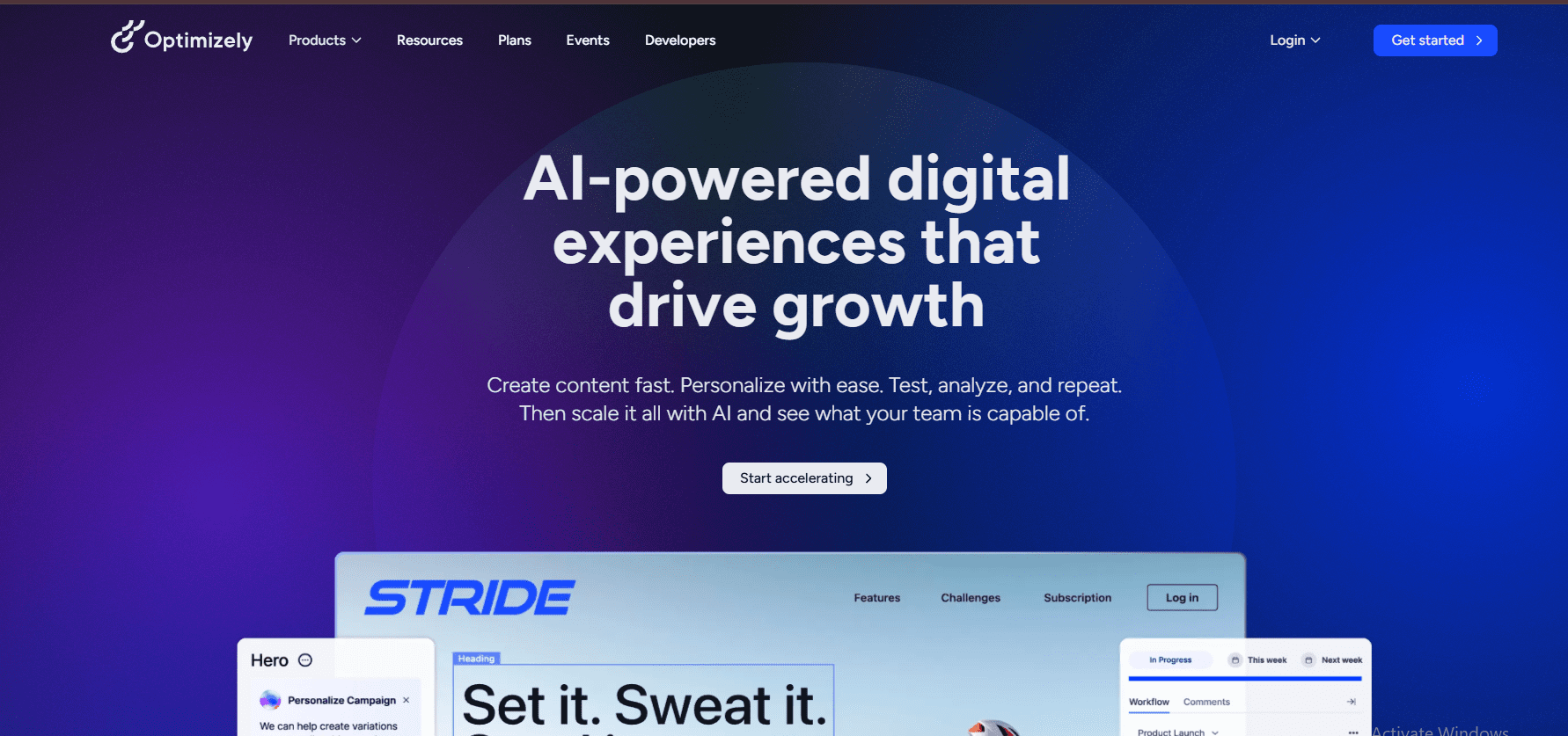
- A/B testing priority? → Optimizely
- Enterprise scale with AI analysis? → UserTesting
Conclusion: User Testing Within Everyone's Reach
The democratization of user testing continues accelerating in 2025. AI-powered insights, flexible pricing models, and seamless design tool integrations have eliminated traditional barriers that once limited UX research to well-funded enterprises.
Whether you’re a solo founder validating a startup idea, a designer seeking feedback on prototypes, or a product team optimizing conversion funnels, there’s a powerful tool available at your budget level. The insights gained from even basic user testing often reveal surprising usability issues that, once addressed, significantly improve engagement, satisfaction, and revenue.
The question is no longer whether you can afford user testing—it’s whether you can afford not to test.
Ready to transform your user experience?
Choose a tool from this guide and conduct your first test this week. Your users will reward you with better engagement and higher conversion rates.